The most powerful calendar for your phone
The whole nocal app on iPhone and Android — every calendar, every note, and a home screen widget that tells you what's actually next. Anything you type on your desktop is already here.
 iPhone App Store
 Google Play Store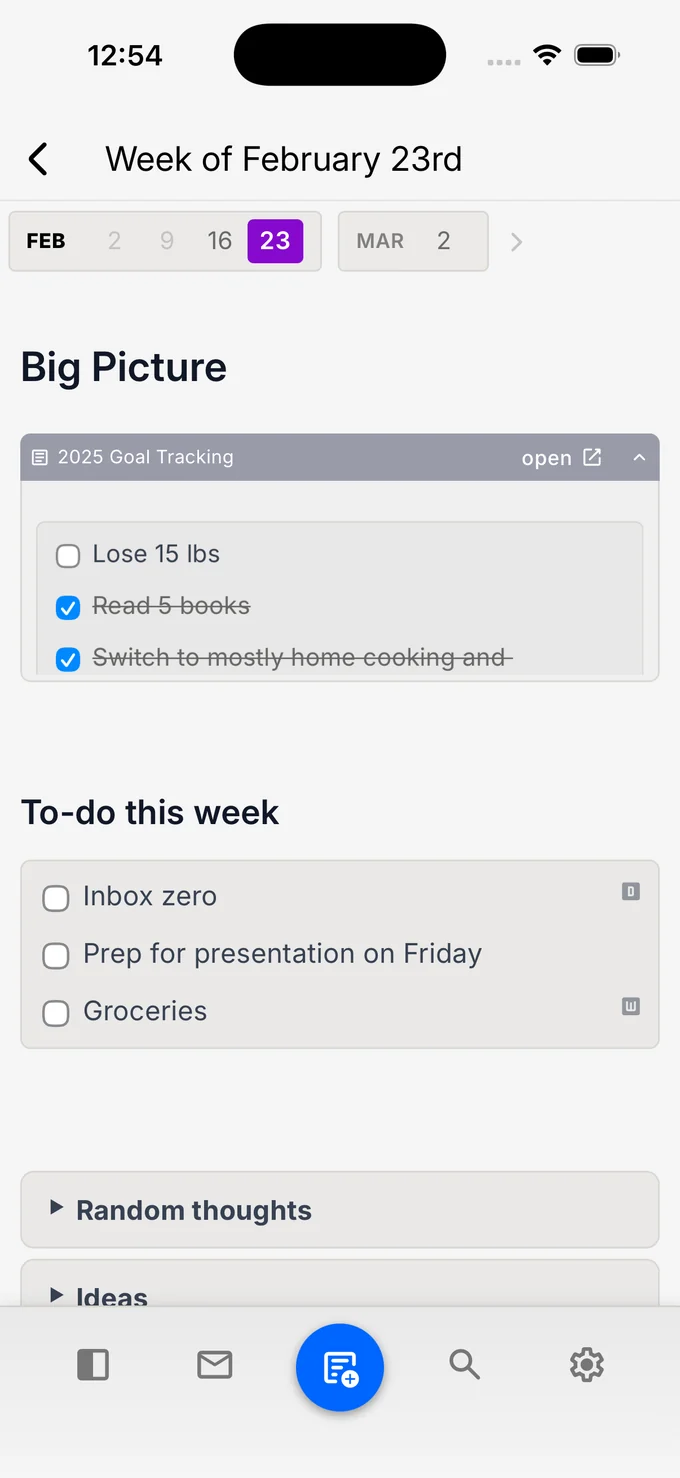
Type on your Mac.
It's already on your phone.
Type on your Mac.
It's already on your phone.
There is no "send to phone" and no pull to refresh. A note you start in a meeting on your laptop is on your phone by the time you stand up — mid sentence, with the cursor where you left it.
It runs both ways. Check something off on the train and it is checked off on the desktop before you are back above ground.
Same calendars, same notes, same account. Just a different screen.
Team sync
Team sync
Beautiful, customizable
native widgets
Beautiful, customizable
native widgets
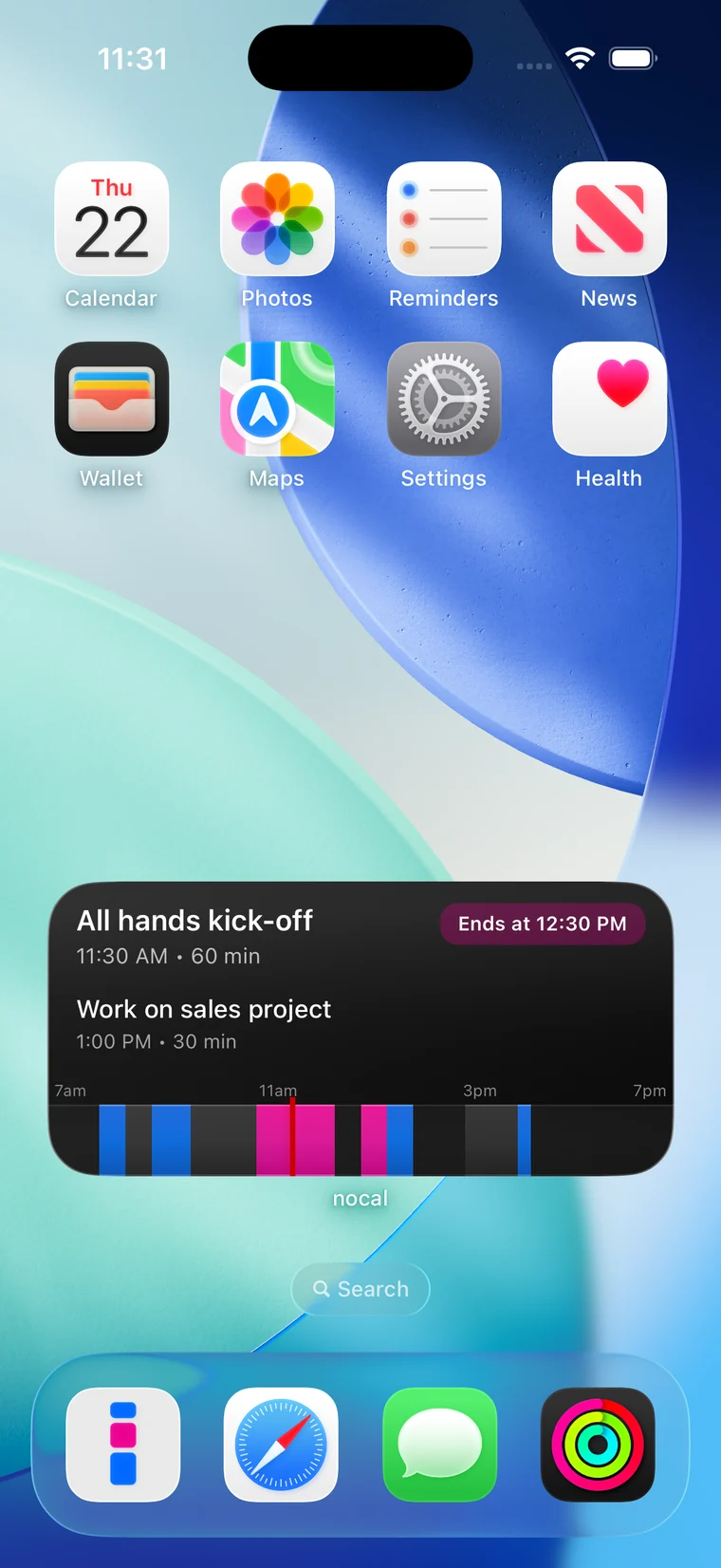
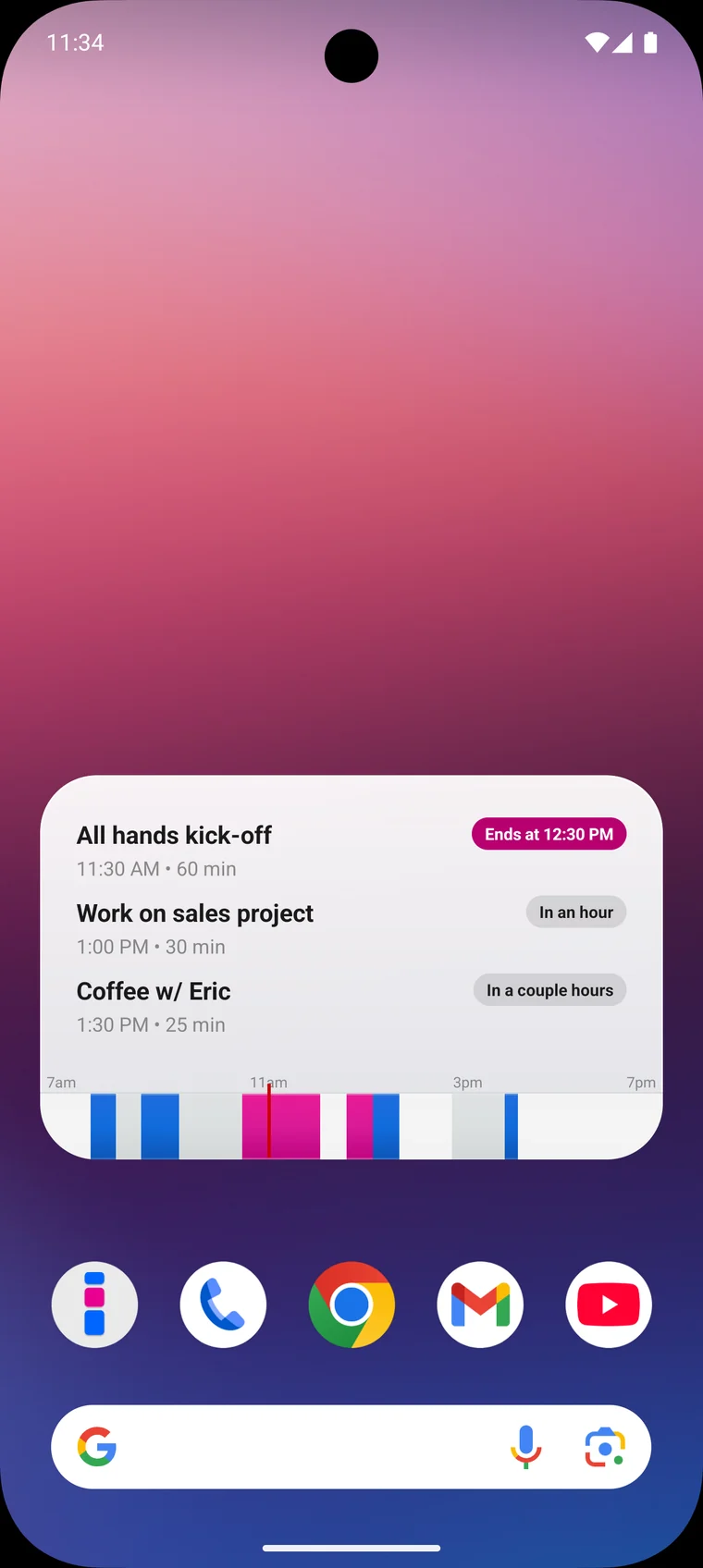
The nocal widget does not just list today. It tells you where you stand — in an hour, ends at 12:30 — and draws the shape of your day as one strip from 7am to 7pm, so you can see where the free hours are without opening anything.
Events from every connected calendar, color coded by source, refreshing in the background.
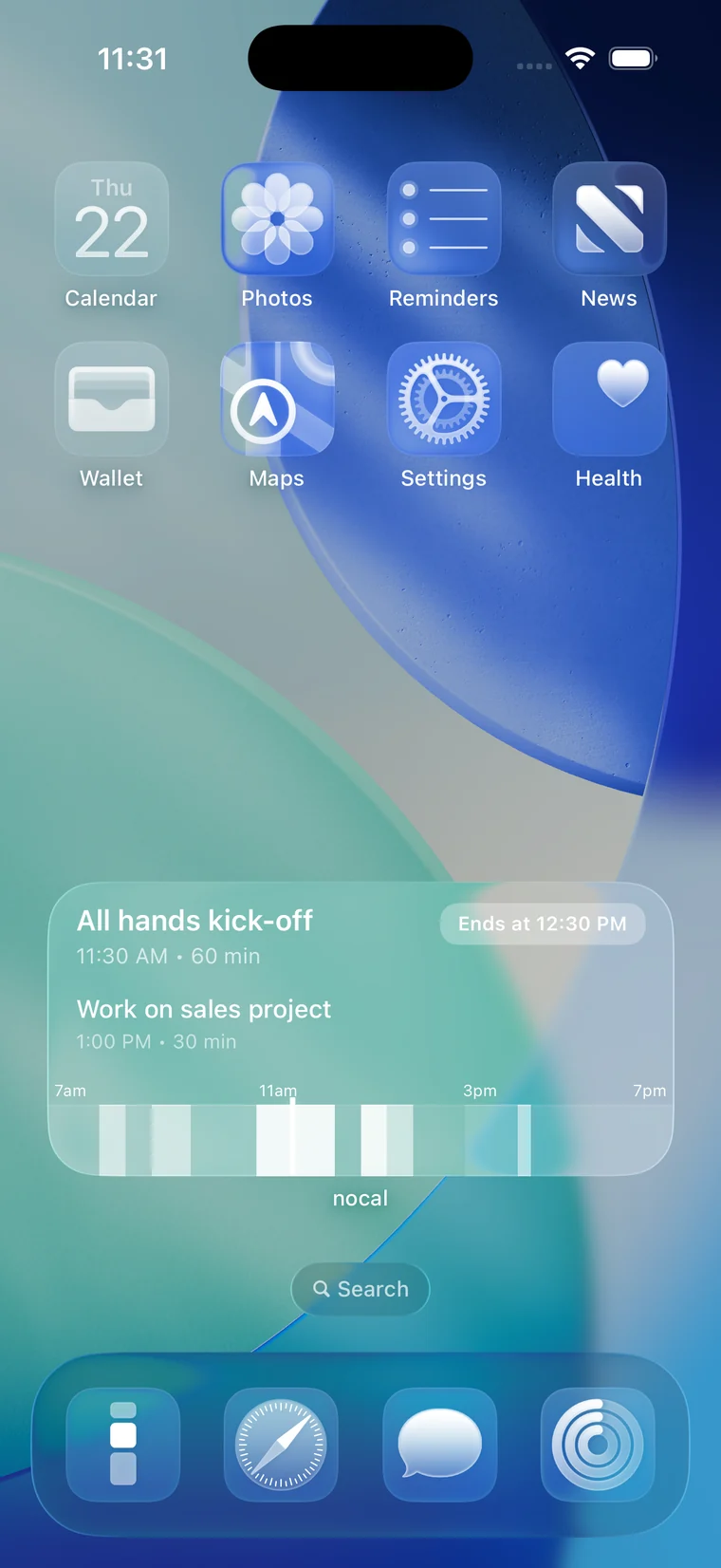
Four looks: liquid glass and dark on iOS, light and floating on Android — so it sits on your home screen instead of on top of it.
The whole app.
Not a companion app.
The whole app.
Not a companion app.
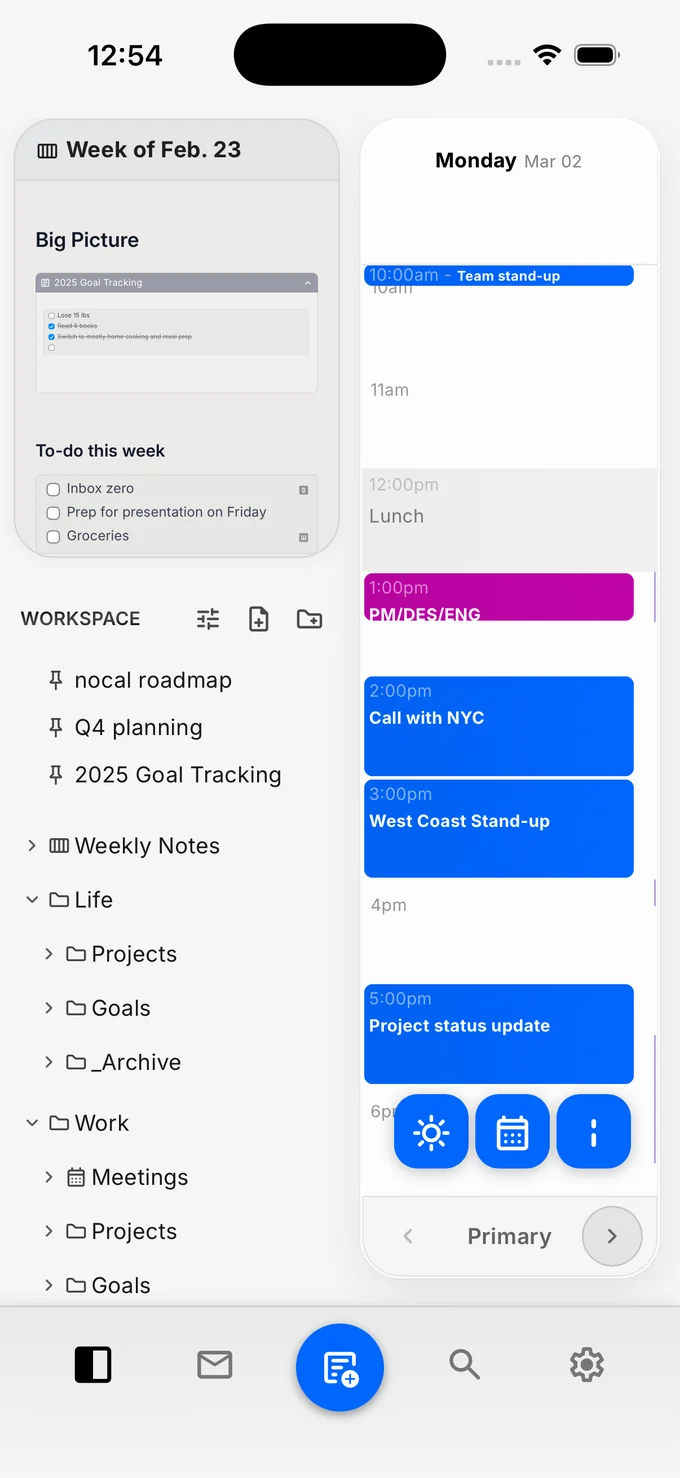
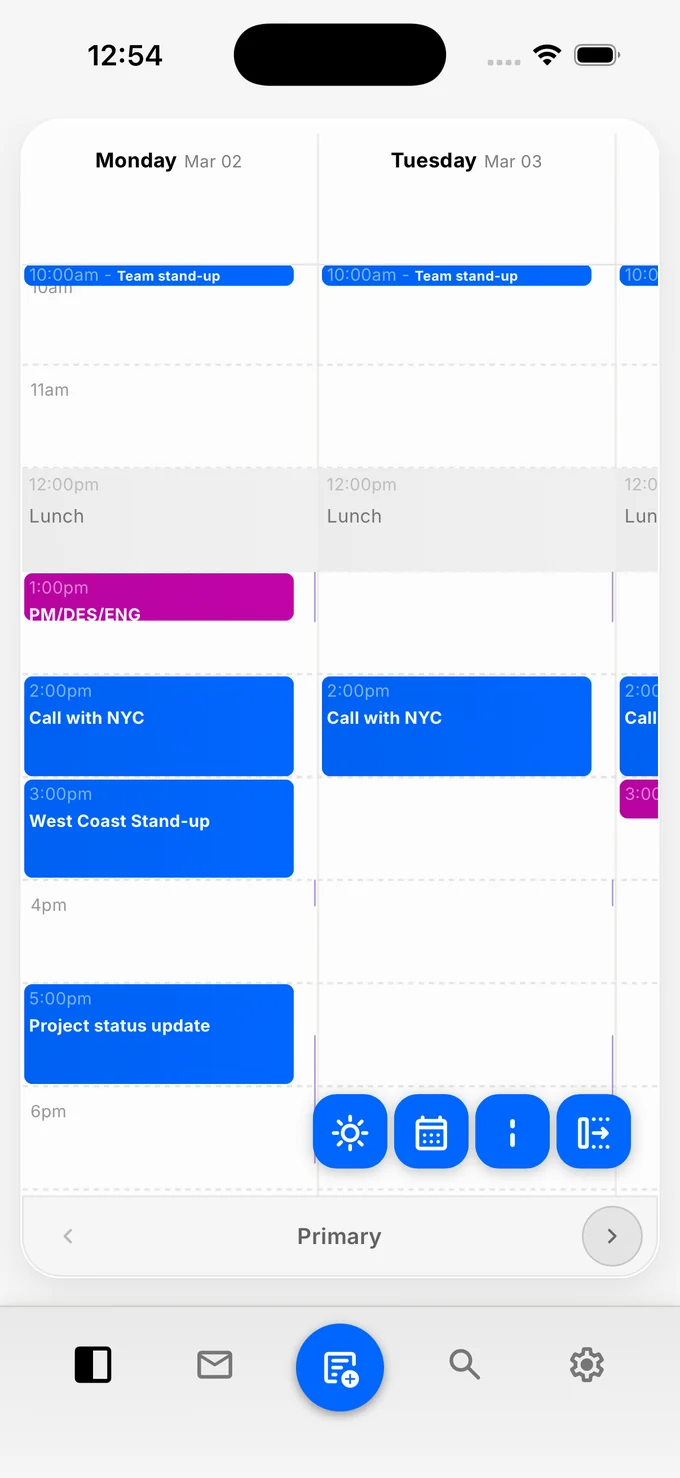
Most calendar apps ship a phone version that can only read. nocal ships the actual product, rebuilt for a screen you hold in one hand.
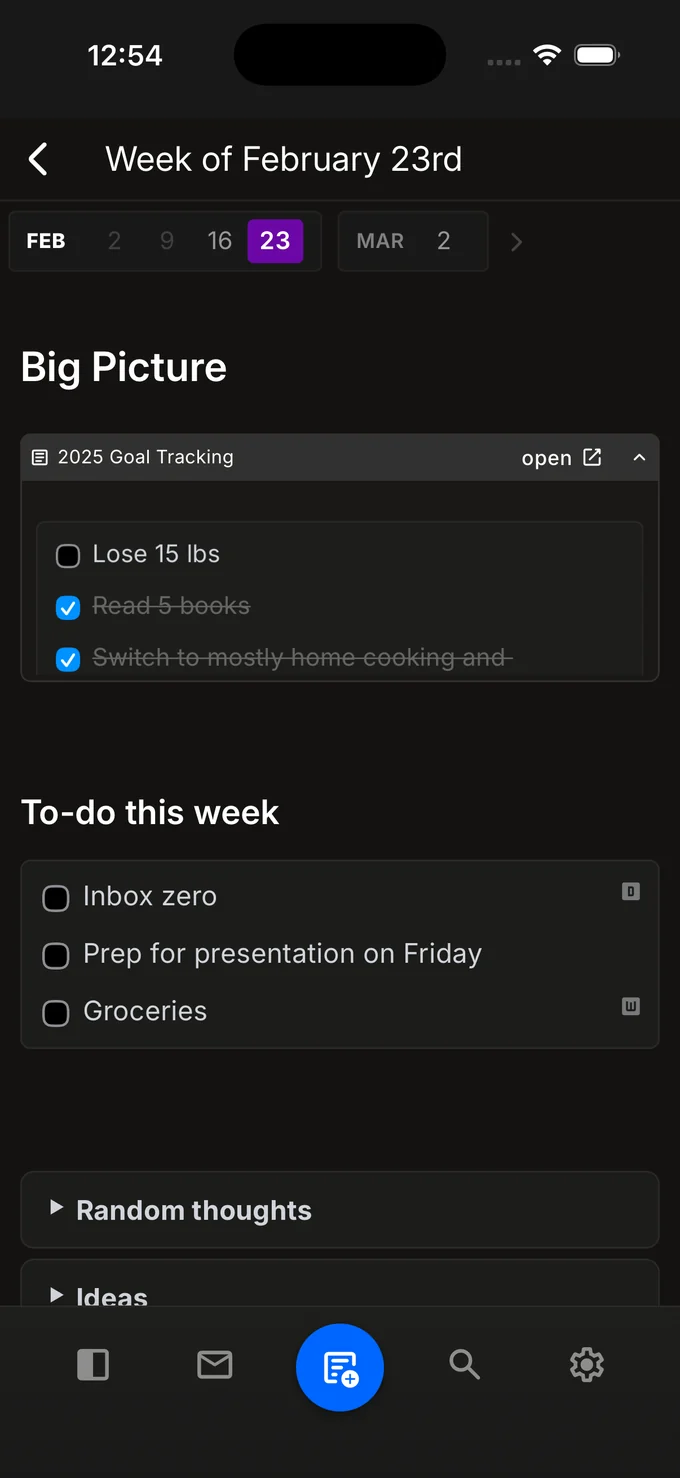
Every calendar you have connected in one timeline. Your whole workspace of notes, with the note attached to each meeting. Create an event, write the follow up, move the thing you are late for — without reaching for a laptop.
Light and dark, following whatever your phone is set to.
- Google Calendar and Outlook
- Create and reschedule events
- Notes attached to meetings
- Checklists, embeds, and tables
- Home screen widget
- Light and dark themes
Take it with you
Free to download, and it picks up exactly where your desktop left off.
Also on Mac and Windows →